InteriorMorph
AI Interior Design
Upload a photo of any room and generate a redesign in your style. Iterate until it feels like home.
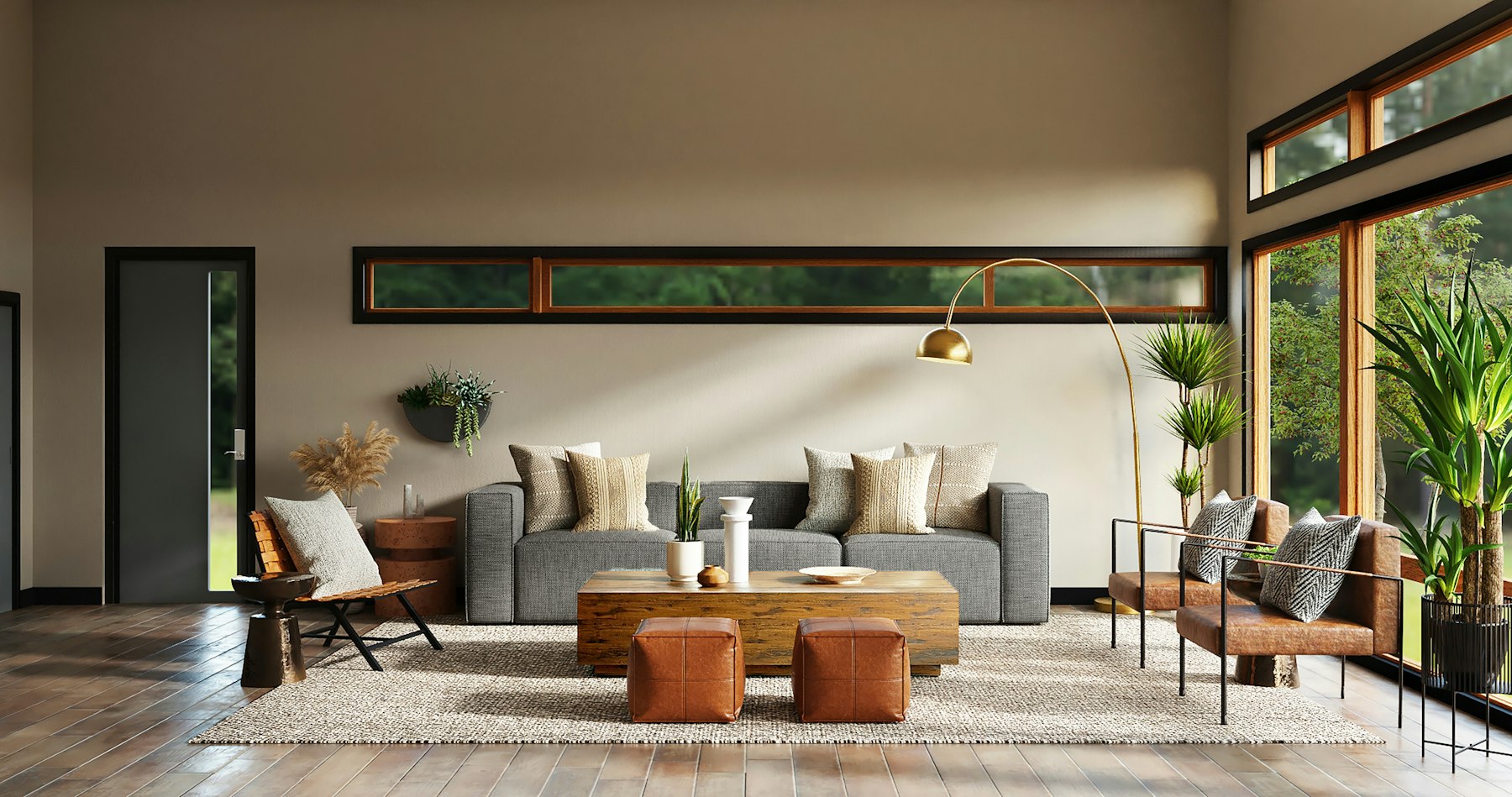
Photo → redesign
Upload a room photo. Pick a style, generate, then iterate. Free trial: 2 runs.
How AI interior design works here
Upload a room photo
Take a clear shot of the room you want to change. Daylight and a wide angle work best. Phones are fine — stand in a doorway when you can.
Pick a style or describe the change
Choose modern, japandi, industrial, minimalist, or write your own direction: “keep the sofa, warmer oak floors, fewer shelves”.
Generate, compare, iterate
Review before/after on the same angle. Most rooms need 3–8 passes before you lock a direction worth buying against.
What this AI interior design tool does
Most people do not need a full-service redesign for every idea. They need options they can see on their own walls: warmer wood, less clutter, a japandi living room, a kitchen that finally feels finished. Upload a photo, choose a direction, and get a visual answer in one pass.
InteriorMorph is built for repeat use. One bedroom take is rarely enough — you try three palettes, move the sofa, then revisit the same room a month later. That loop is why the product is a subscription tool, not a one-shot filter.
The workflow stays simple on purpose: photo in, style or prompt, before/after out. No floor-plan CAD, no account wall for the first tries, no browser plugin.
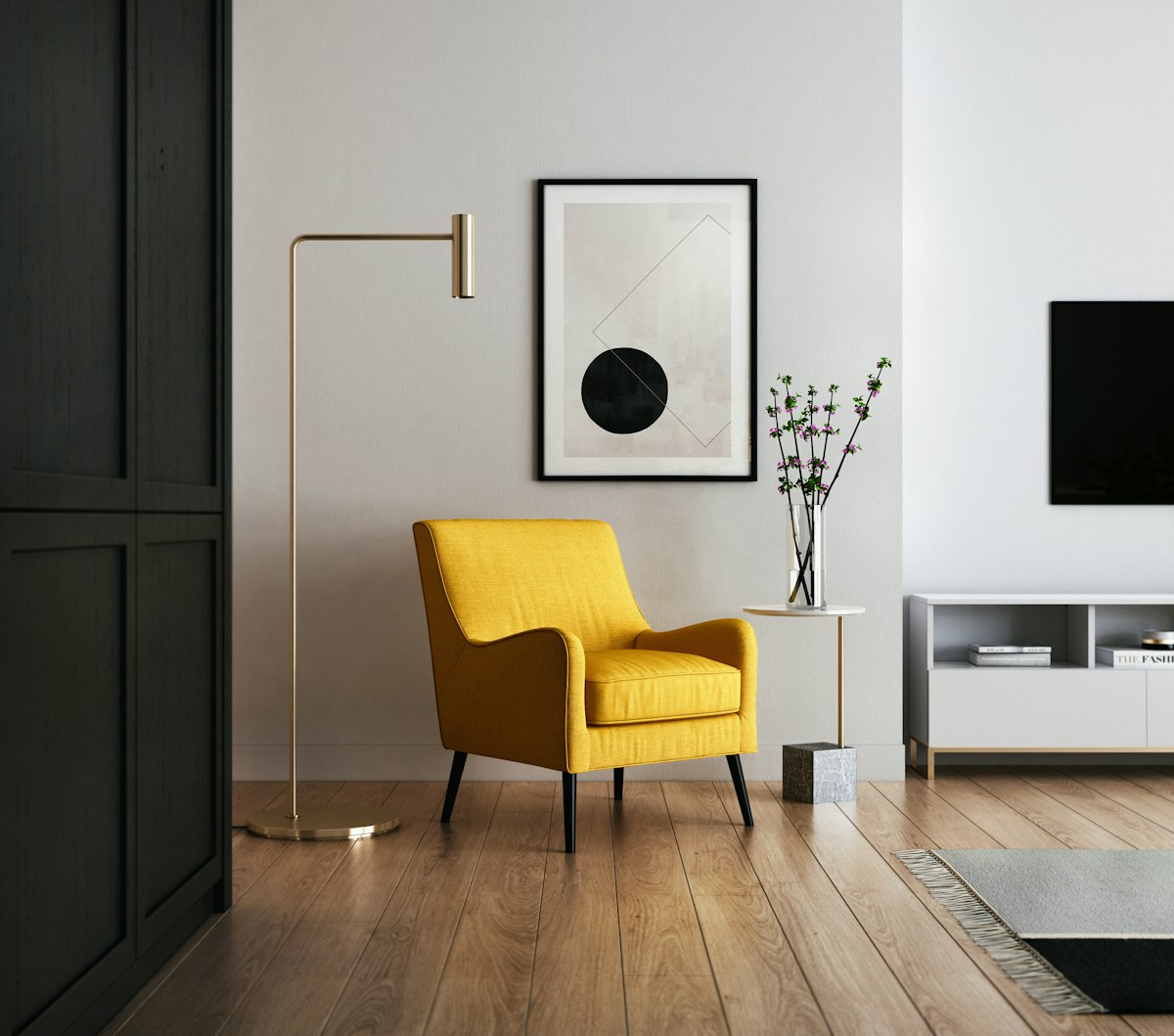
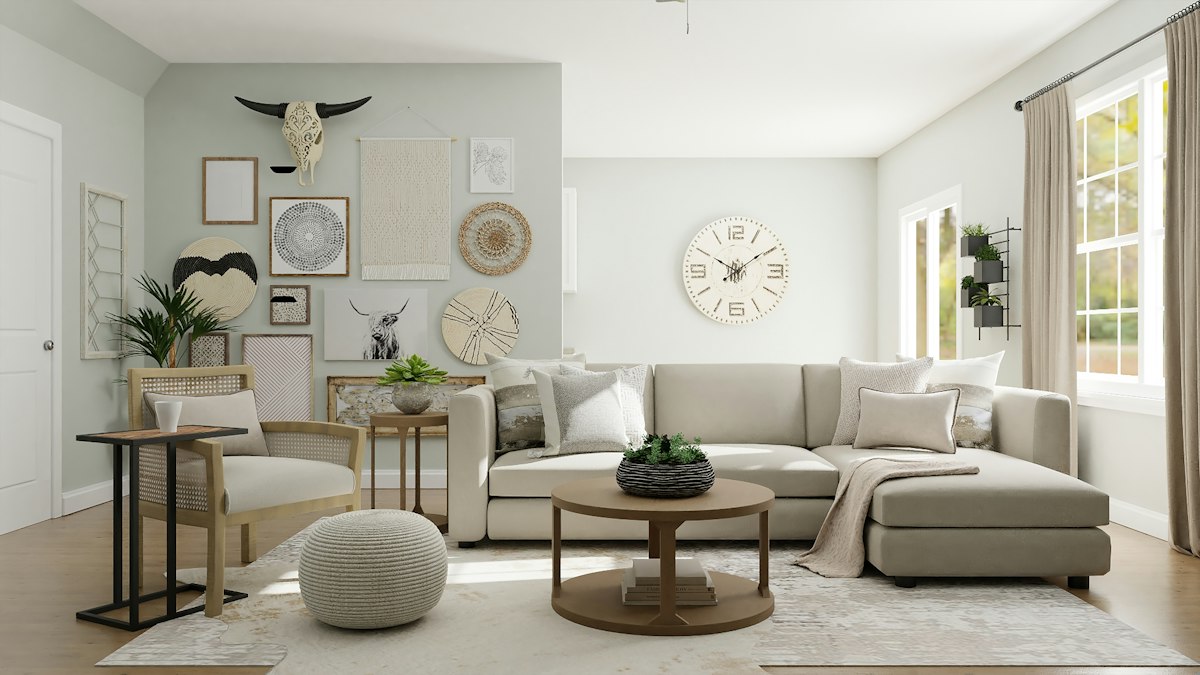
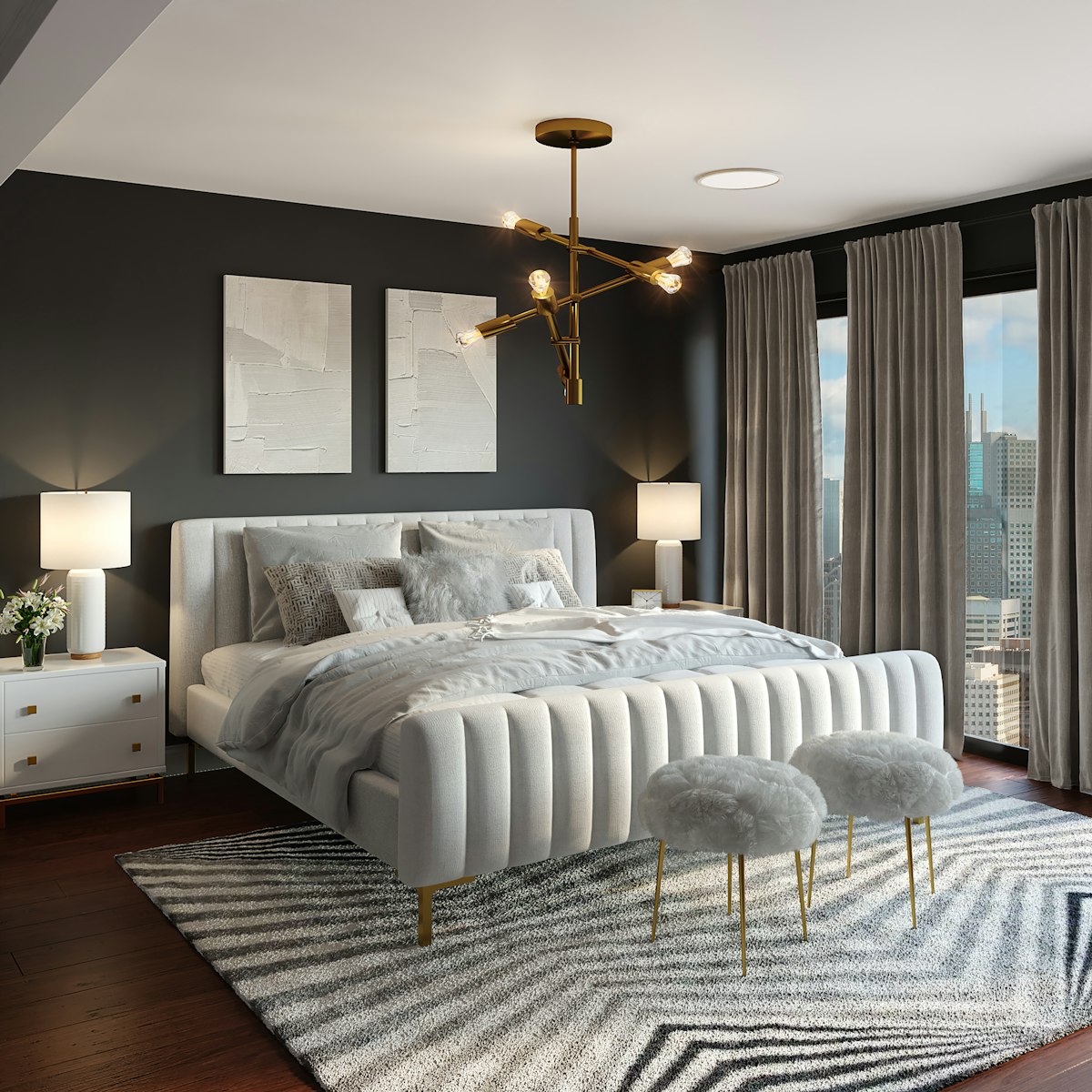
Before and after examples
These examples show the kind of change people ask for first — same camera angle, new materials and furniture language. Your results will follow the photo you upload, not a stock template.
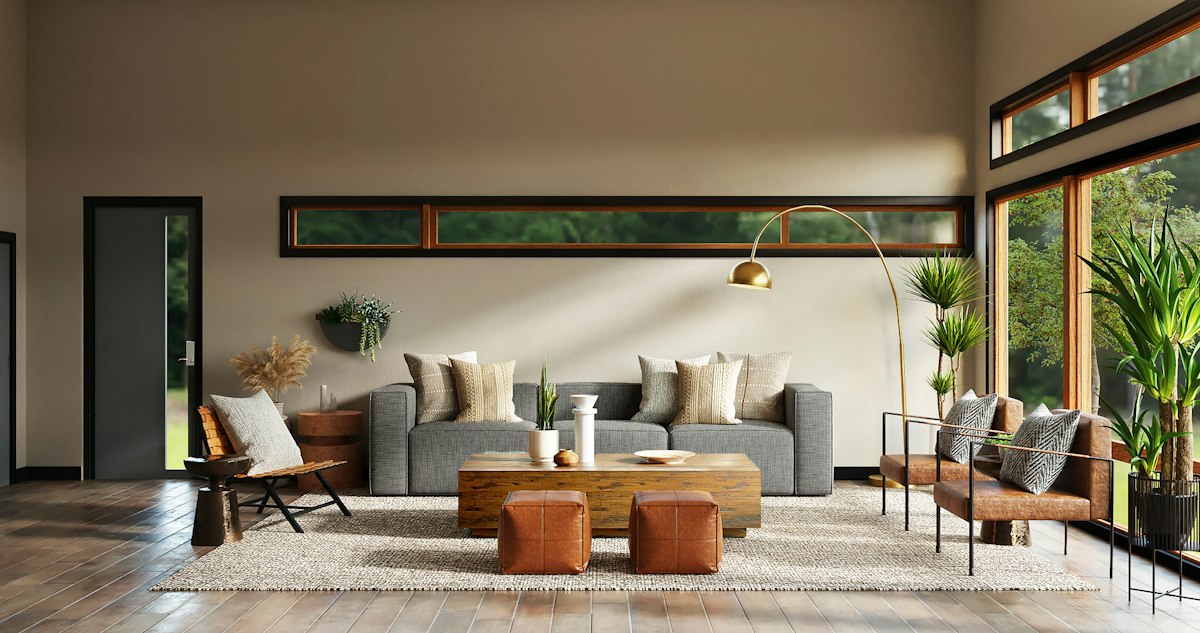
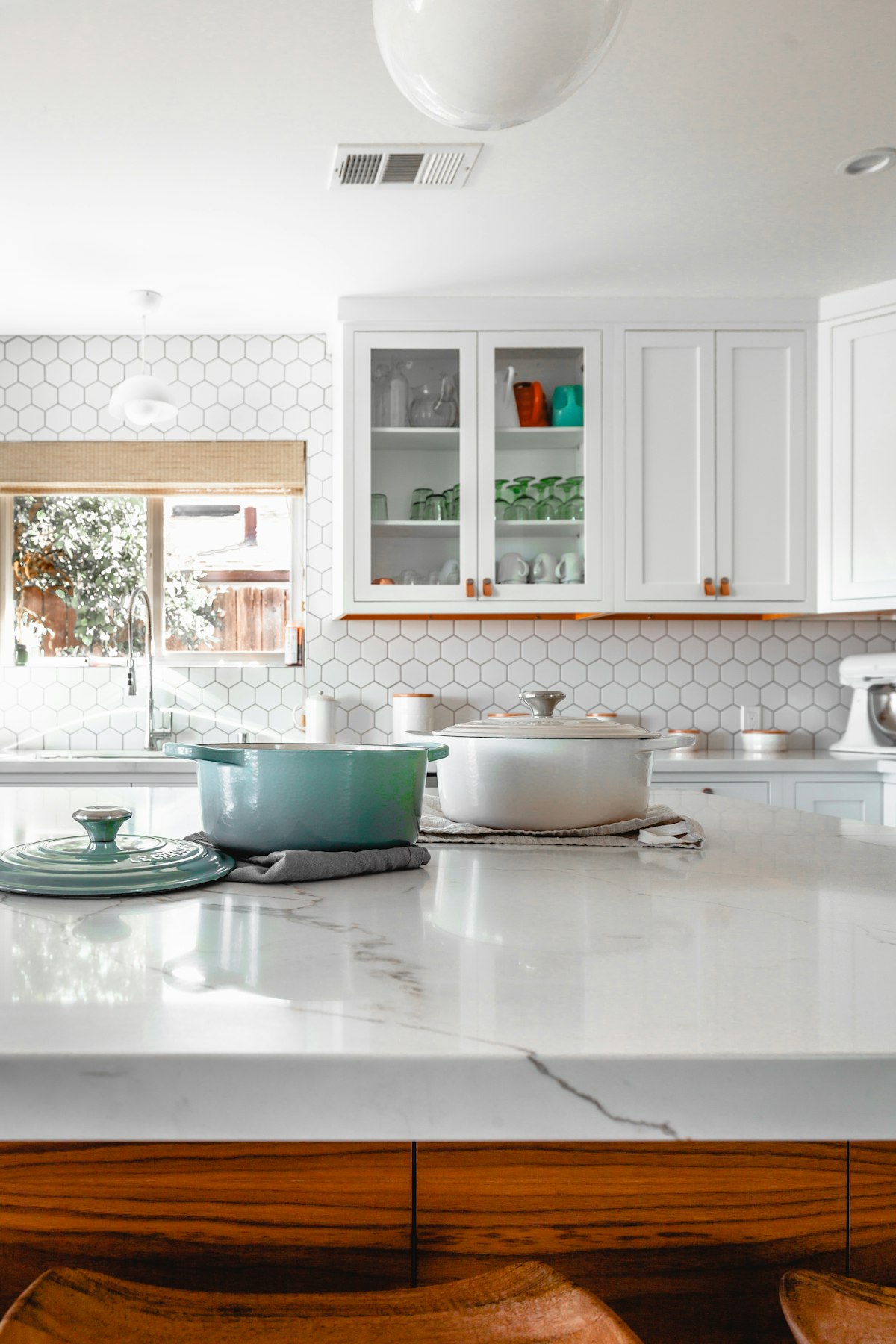
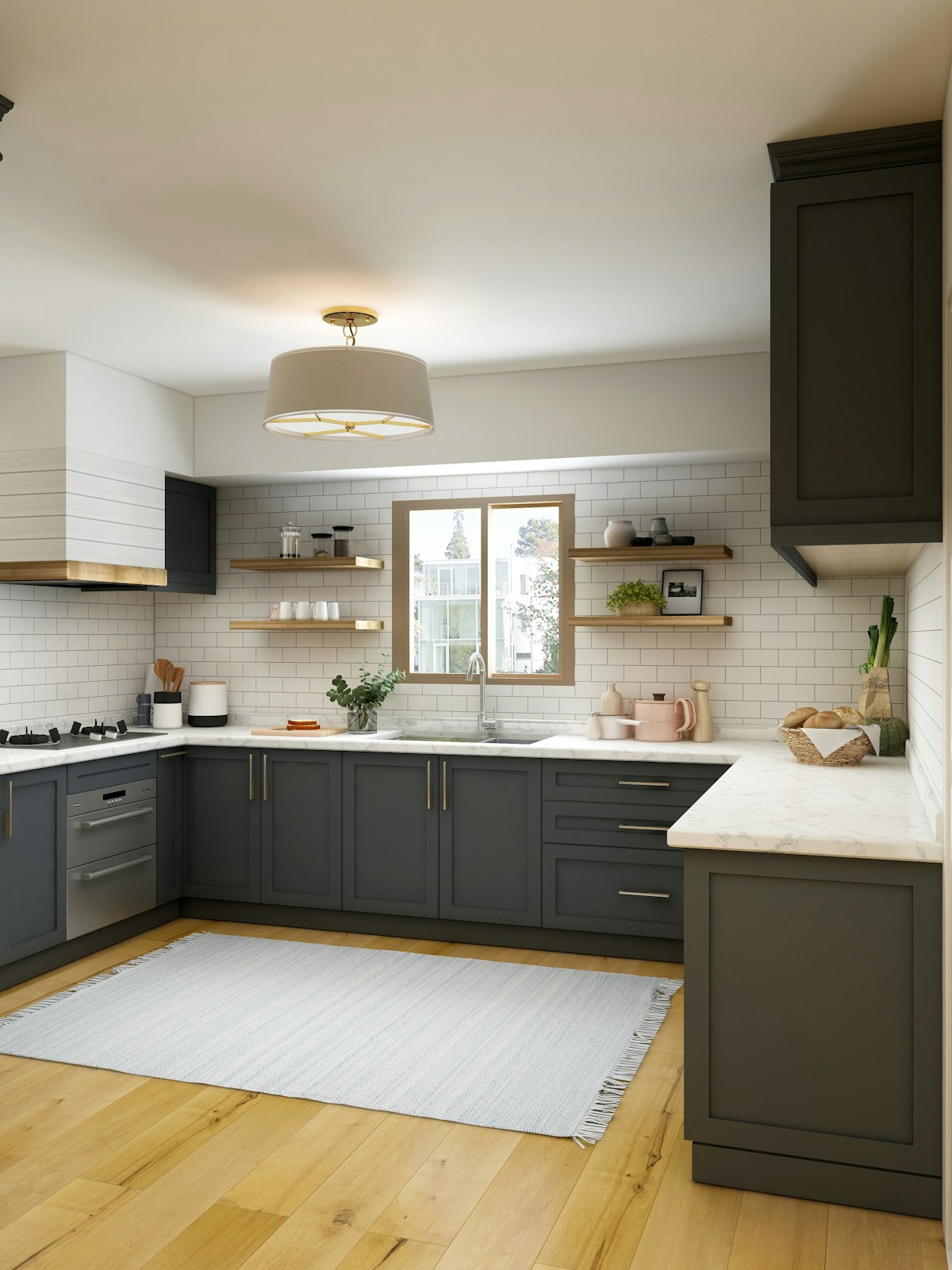
Designed around rooms people actually change
Start on this page for a general redesign, or open a focused page when you already know the room or style:
- Rooms: bedroom, living room, kitchen, bathroom, exterior
- Styles: modern, minimalist, japandi, industrial
Each page targets one search intent. The studio on every page is the same generator — presets just bias the prompt toward that room or style.
Who it is for
- Homeowners testing paint, furniture and layout before spending.
- Renters planning reversible changes and mood boards for landlords.
- Agents and stagers producing quick “after” concepts for listings.
- Designers spinning early options for clients between meetings.
Tips for better AI interior design results
- Shoot wider than the main object — include floor, ceiling edge and at least one corner.
- Turn on lights or shoot in daylight; heavy shadows make materials harder to read.
- One change family per pass (“warmer oak + less clutter”) beats a paragraph of conflicting asks.
- Keep the same photo while you swap styles so comparisons stay honest.
- Treat outputs as concepts. Measure and verify materials before you renovate.
Privacy, accounts and generation limits
Photos you upload are sent to the generation API to produce a redesign. Sign-in uses Google OAuth; we store a signed session cookie so quota can follow your account. We do not get your Google password.
Anonymous visitors get a short free trial. After that, sign in to continue. Paid plans on Pricing will raise limits for whole-home work once Stripe is live.
Questions and answers
Is this AI interior design tool free?
You get a short free trial without an account. Sign in with Google for a higher monthly generation allowance. Paid plans unlock more capacity for whole-home projects.
Do I need measurements or a floor plan?
No. Upload a photo. The model keeps the room’s shape, windows and camera angle, then changes finishes, furniture and lighting.
Can I use photos of a rental?
Yes. Renters use it to test paint, furniture and layout ideas before spending — or to show a landlord a reversible concept.
Will the furniture match real products I can buy?
Results are design concepts, not a shopping catalog. Use them as a visual brief when you shop or talk to a designer.
Which AI model generates the redesign?
Generations run through fal.ai image-to-image models (default FLUX image-to-image; optional apartment-staging LoRA). Your photo and prompt are sent to the model API, and the redesigned image URL is returned to the browser.
Do I need to sign in?
Not for the first free runs. After the trial, sign in with Google so we can attach quota to your account. We never get your Google password.