InteriorMorph
AI Living Room Design
Drop in a living room photo and explore seating layouts, palettes and finishes that fit the same footprint.
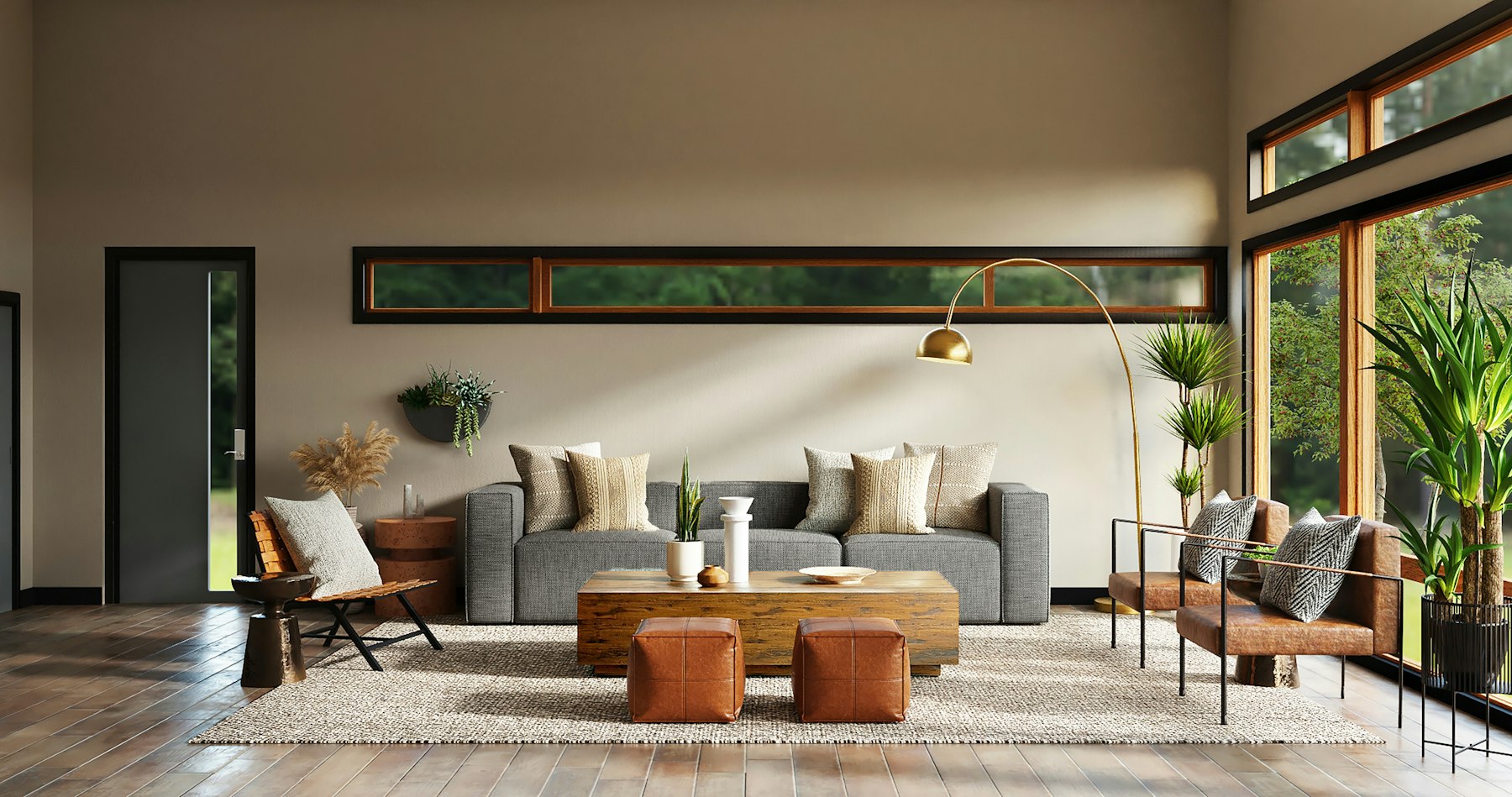
Photo → redesign
Upload a room photo for your living room. Pick a style, generate, then iterate. Free trial: 2 runs.
How AI interior design works here
Upload a room photo
Take a clear shot of the room you want to change. Daylight and a wide angle work best. Phones are fine — stand in a doorway when you can.
Pick a style or describe the change
Choose modern, japandi, industrial, minimalist, or write your own direction: “keep the sofa, warmer oak floors, fewer shelves”.
Generate, compare, iterate
Review before/after on the same angle. Most rooms need 3–8 passes before you lock a direction worth buying against.
Living rooms change often
Sofas, rugs and wall color get replaced more than structural walls. AI living room design is useful when you want five directions in an afternoon — sectional vs chairs, cool gray vs warm plaster — and then pick one to buy against.
Start with a wide shot that shows the TV wall or window wall. Generate a modern pass, a japandi pass, then a custom prompt that keeps your sofa but changes the rug and lighting.
Before / after inspiration
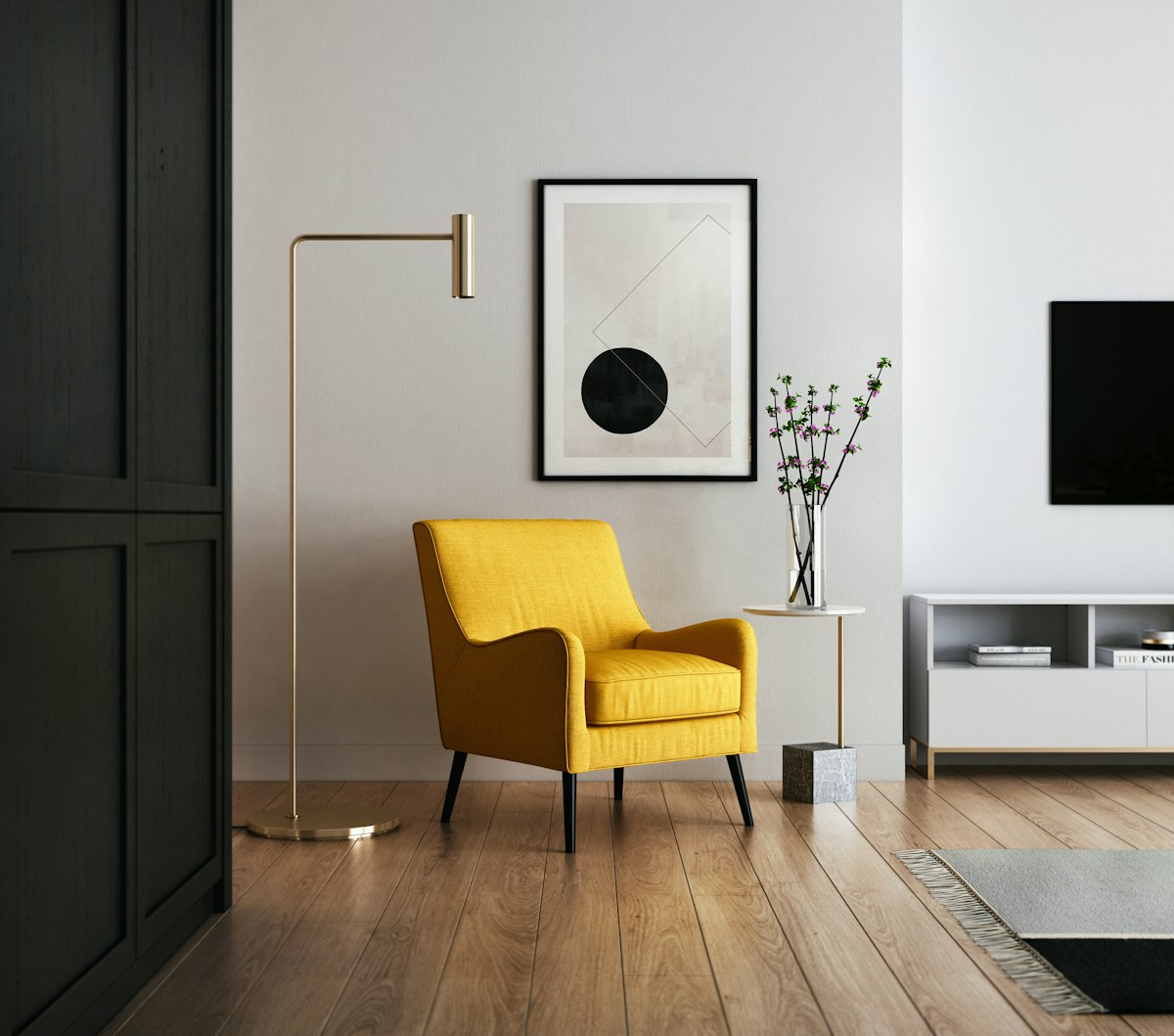
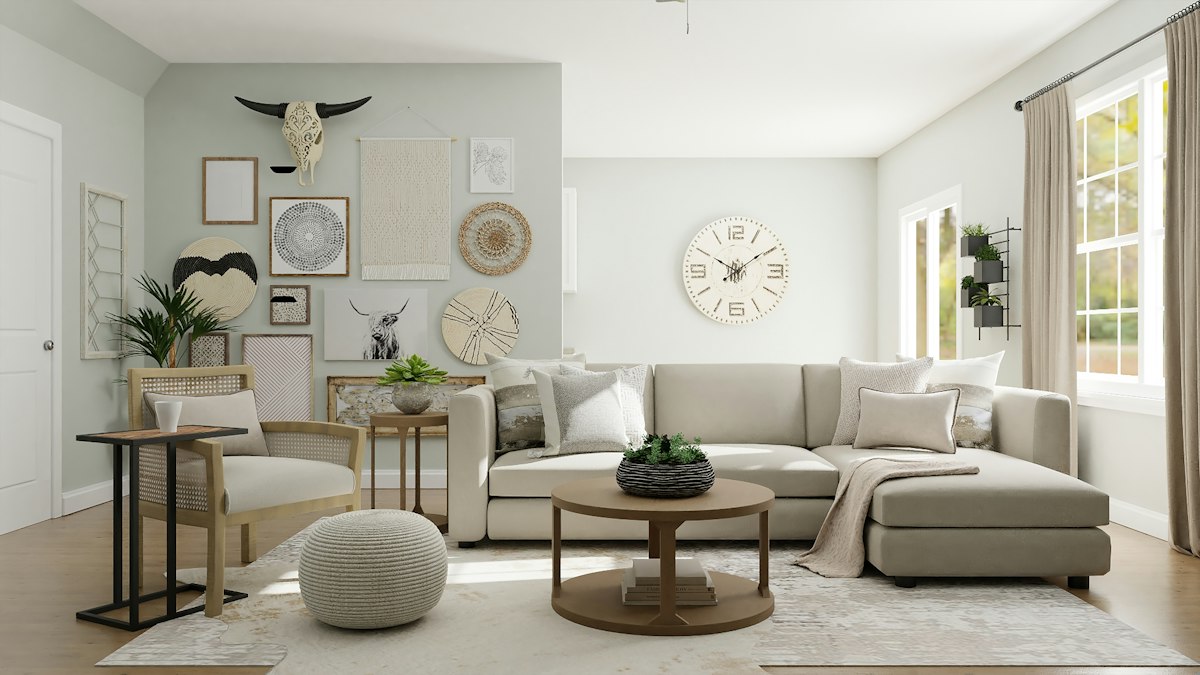
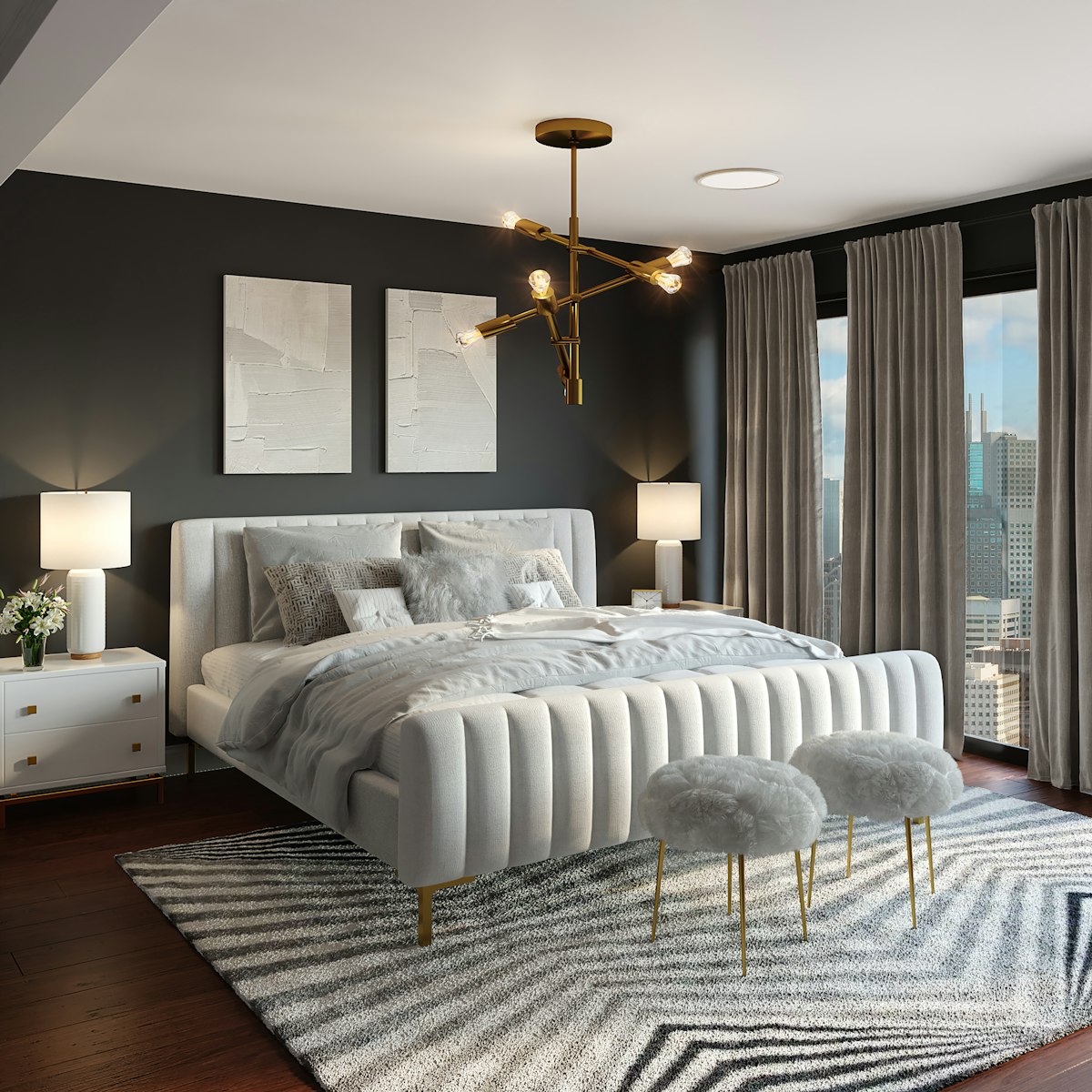
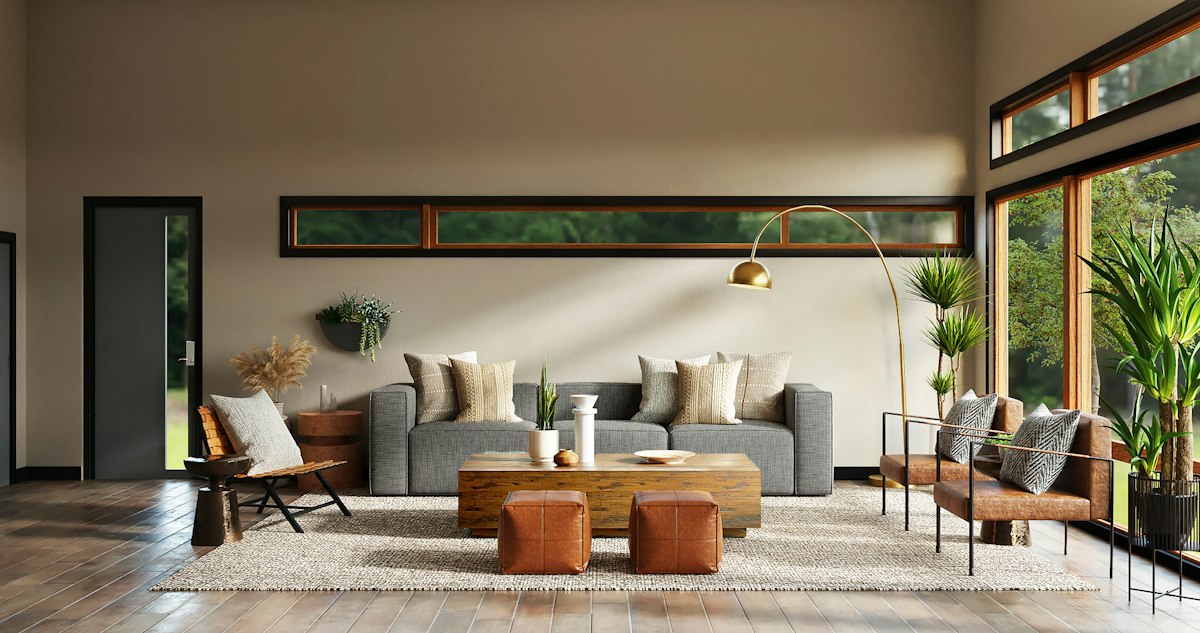
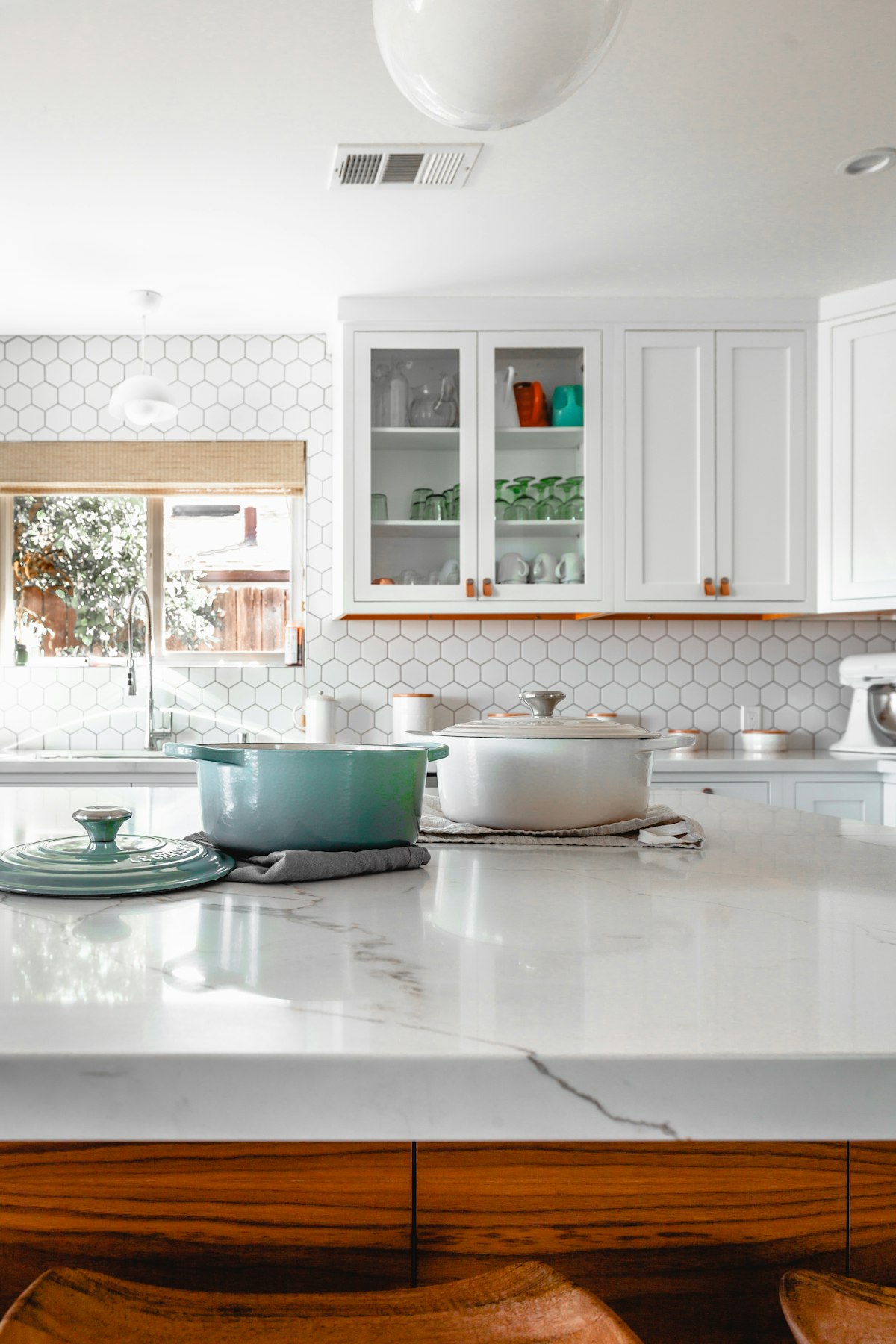
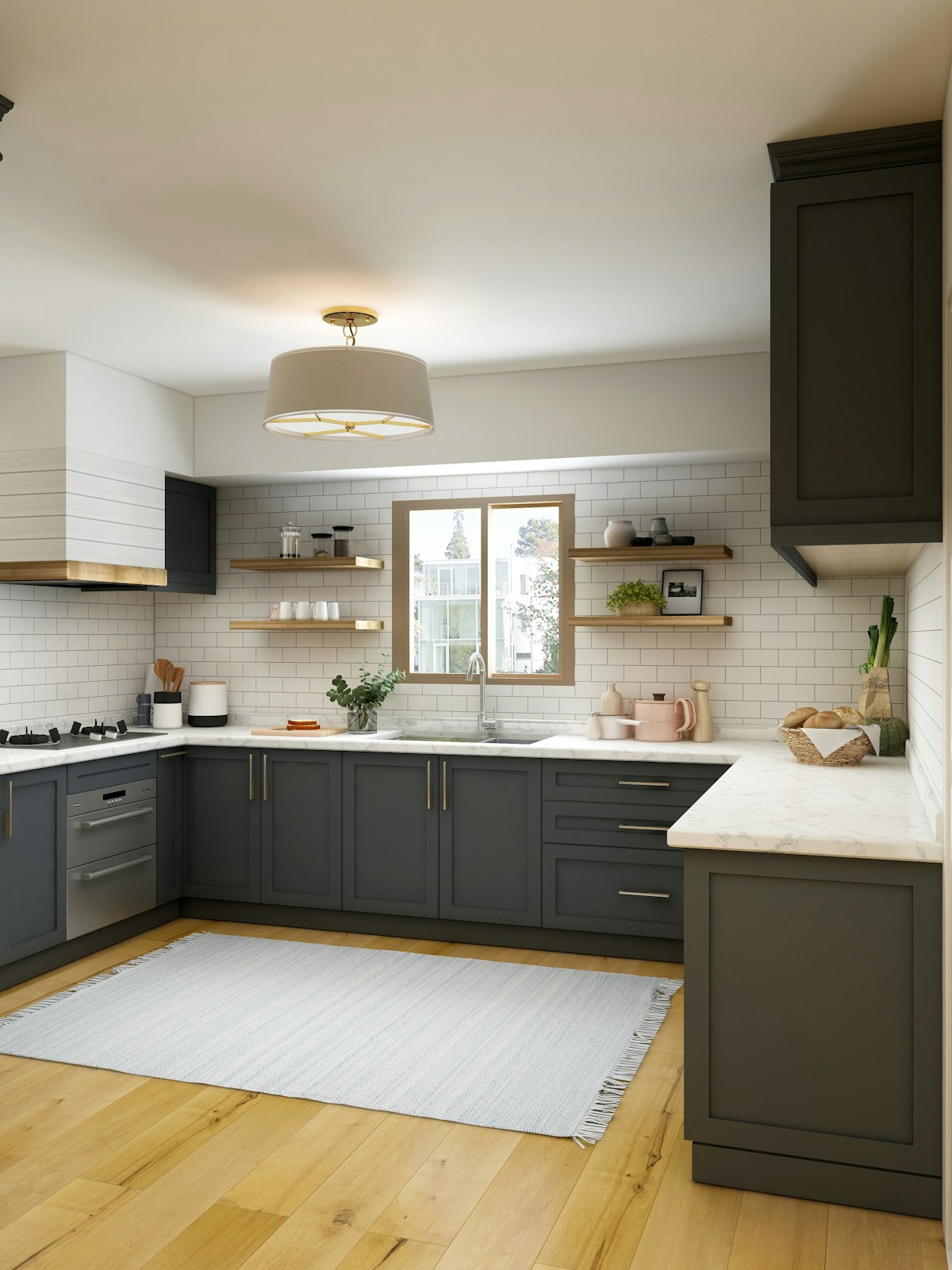
Scroll the gallery for living-room style shifts. Your upload will keep your architecture; the examples only illustrate the kind of change people ask for.
Questions and answers
Is this AI interior design tool free?
You get a short free trial without an account. Sign in with Google for a higher monthly generation allowance. Paid plans unlock more capacity for whole-home projects.
Do I need measurements or a floor plan?
No. Upload a photo. The model keeps the room’s shape, windows and camera angle, then changes finishes, furniture and lighting.
Can I use photos of a rental?
Yes. Renters use it to test paint, furniture and layout ideas before spending — or to show a landlord a reversible concept.
Will the furniture match real products I can buy?
Results are design concepts, not a shopping catalog. Use them as a visual brief when you shop or talk to a designer.
Which AI model generates the redesign?
Generations run through fal.ai image-to-image models (default FLUX image-to-image; optional apartment-staging LoRA). Your photo and prompt are sent to the model API, and the redesigned image URL is returned to the browser.
Do I need to sign in?
Not for the first free runs. After the trial, sign in with Google so we can attach quota to your account. We never get your Google password.